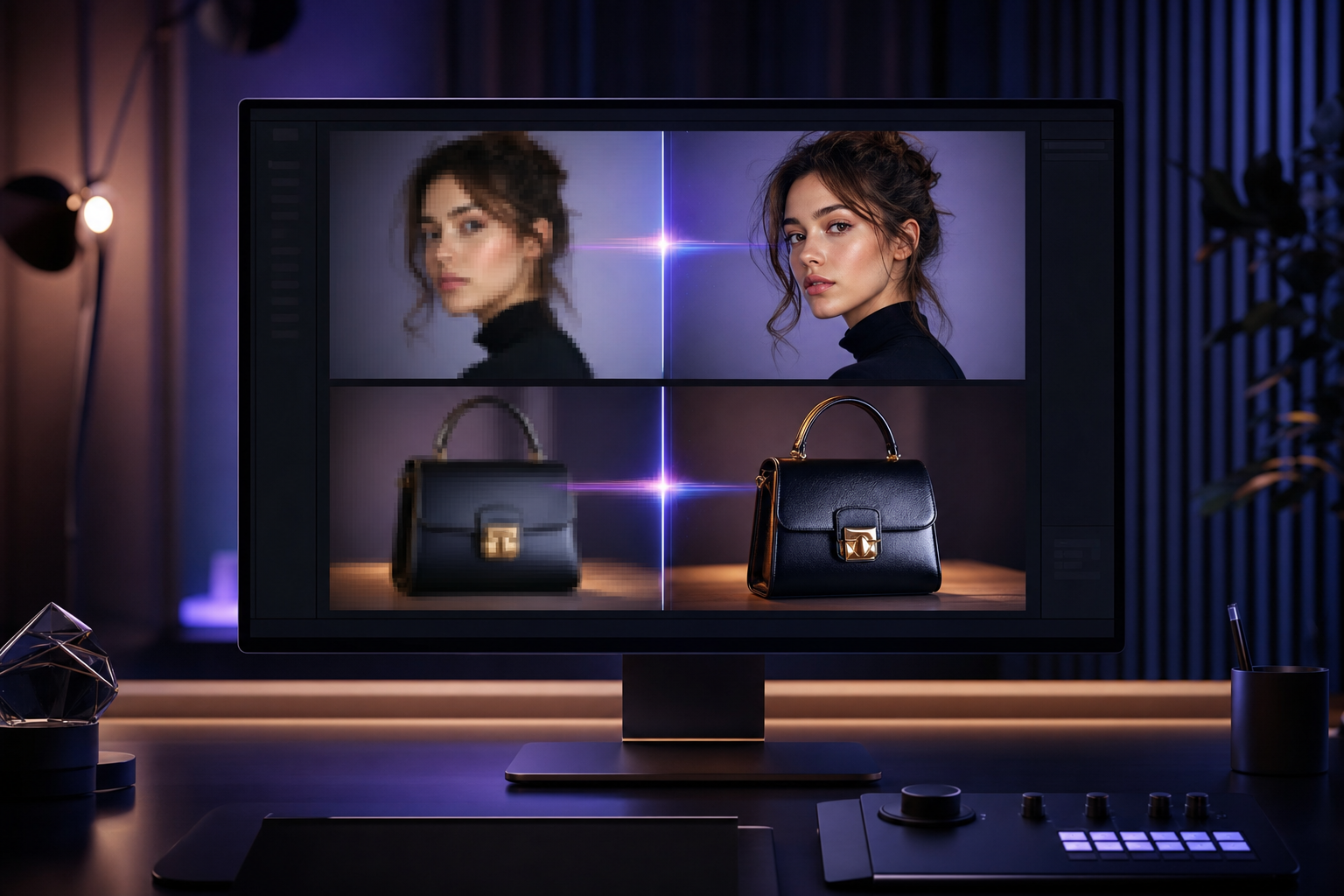
What Separates Good AI Image Enhancers in 2026
A good AI image enhancer does four things at once: sharpens detail, removes noise, fixes lighting, and upscales resolution — without inventing things that were not in the original (the "AI hallucination" problem). The best tools also handle faces specifically (so skin does not look plastic) and preserve image integrity for documentary or commercial use.
We tested on a 100-photo set covering smartphone shots, vintage scans, screenshots, product photos, and challenging cases like low-light and motion-blurred frames.
- Sharpening + denoise + upscale in one pass
- Face-aware processing
- No hallucinated detail
- Source fidelity preserved
1. Mobbi AI Image Enhancer — Best Overall
Mobbi's image enhancer takes the top spot because it does sharpening, denoise, lighting fix, and upscaling in one pass — up to 8K — with face-aware processing so portraits stay natural instead of plastic. Free daily credits, no watermark, commercial license on output.
The same Mobbi account gives you photo restoration (for old/damaged photos), background remover, and the rest of the image tool suite. For workflows that combine enhancement with other edits, this saves significant time vs single-purpose tools.
- One-click sharpen + denoise + upscale to 8K
- Face-aware mode preserves natural skin
- No watermark, commercial license
- Free daily credits
2. Krea Enhancer — Strong Standalone
Krea's image enhancer is the most-trafficked single page in the Krea product (over 70K visits/month on their /apps/enhance page in 2026 per third-party data). Quality is competitive with Mobbi. Daily free credits; output is watermark-free on completed generations.
- Strong quality
- Free daily credits
3. Topaz Gigapixel — Pro Desktop Standard
Topaz Gigapixel is the desktop-first standard for pro photographers needing high-resolution upscaling. Paid software (one-time purchase or subscription). Excellent for archival scans and printing prep but requires download.
- Pro desktop tool
- Paid software
- Best for archival/print
4. Let's Enhance — Web-First Pro Tool
Let's Enhance is a long-running web tool focused on photo enhancement and upscaling. Subscription pricing for serious volume. Quality is solid but the tool stack is narrower than Mobbi.
- Web-first
- Subscription pricing
- Narrower tool stack
5–10: Specialists and Free Tools
Upscayl (5th) is open-source desktop with no cloud cost — great for technical users. Remini (6th) is mobile-first, popular for face restoration. Bigjpg (7th) is older but reliable. OpenArt (8th) has enhance inside its broader suite. Vance AI (9th) covers enhancement among many other tools. Photo AI / Aragon (10th) specializes in professional headshot enhancement.
- 5. Upscayl — open-source desktop
- 6. Remini — mobile-first face restoration
- 7. Bigjpg — older reliable web tool
- 8. OpenArt — enhance inside image suite
- 9. Vance AI — multi-tool platform
- 10. Aragon — headshot enhancement specialist
How to Pick the Right Enhancer
For one-off web enhancement with no friction — Mobbi or Krea. For pro batch work with desktop control — Topaz Gigapixel. For face-only restoration on mobile — Remini. For technical users who want zero cloud cost — Upscayl. Start with Mobbi's free tier to benchmark quality; switch only if you find a specific gap.
Considerações finais
AI image enhancement is no longer a single-tool task. The right setup for most creators is a web enhancer for daily work (Mobbi or Krea), with desktop tools reserved for high-resolution archival jobs. Mobbi's combination of enhance + upscale + face-aware + tool suite in one app is the most efficient workflow for the majority of cases.
Try Mobbi image enhancer free — sharpen, denoise, upscale to 8K. Daily free credits, no card.
Trabalhe com a Mobbi.ai
Experimente o Mobbi AI image enhancer grátis — afinar, reduzir ruído, escalar para 8K. Sem cartão de crédito.
Explorar a plataforma Mobbi.ai