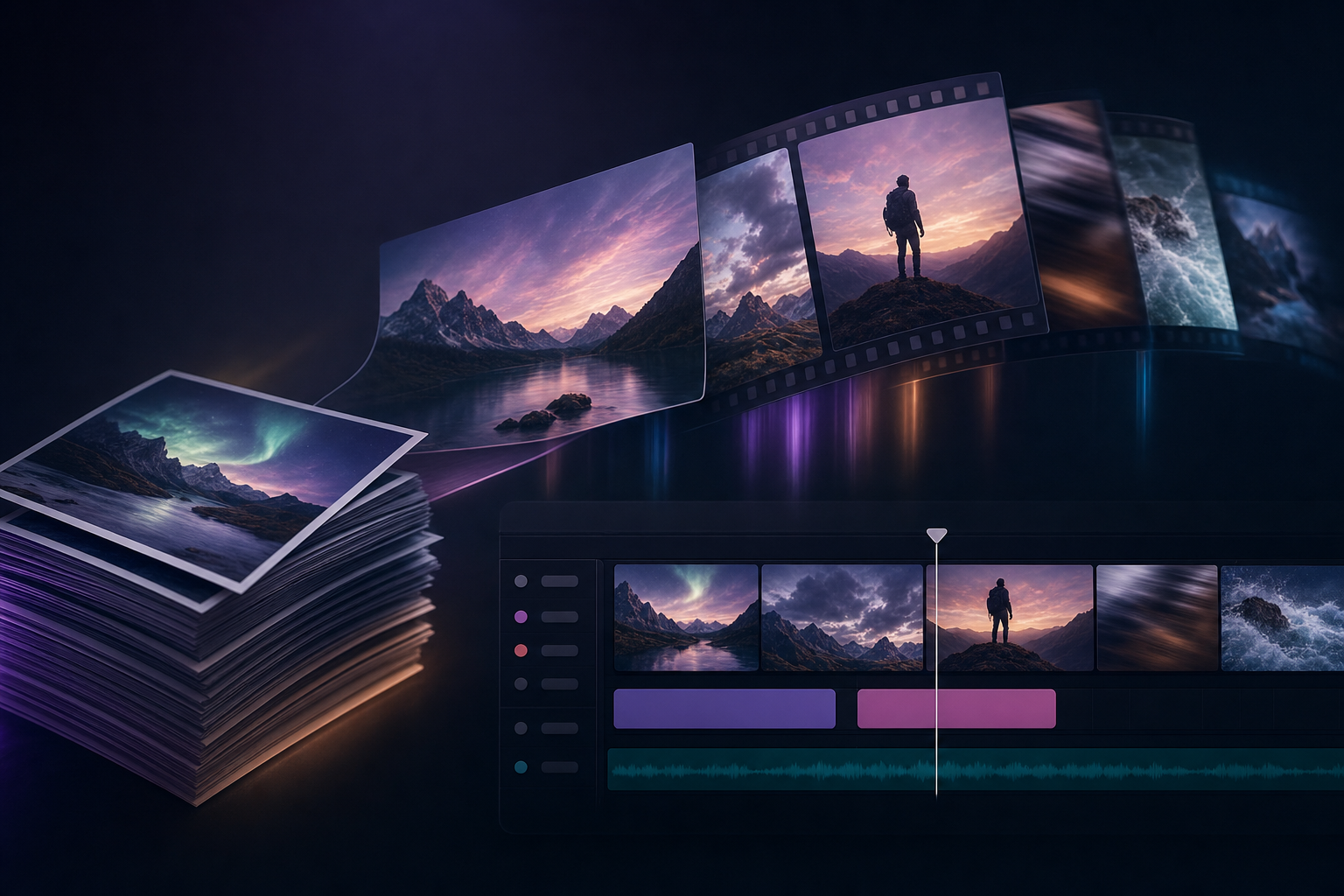
Photo-to-Video Is the Most Useful AI Video Task in 2026
Photo-to-video (a more user-friendly term for image-to-video) became the most-used AI video task in 2026 because it solves the asset problem: most creators and brands have piles of high-quality stills (product shots, headshots, location photos) but no video. Photo-to-video unlocks that latent inventory for social, ads, and short-form content.
The good news: photo-to-video quality has improved dramatically since the 2024 generation. Today's top models produce 8-20 second clips with natural motion and consistent identity. The choice of model matters — different models win on different subjects.
- Solves the asset problem — stills become video
- Natural motion is now the default
- Identity stays consistent
- Camera direction works
1. Mobbi AI — Best Overall Photo-to-Video
Mobbi tops this list because you can pick the right model per photo: Sora 2 for cinematic complexity, Kling 2.6 for smooth character animation, Hailuo 2.3 for portraits, Vidu Q2 for multi-reference character consistency, Seedance for low-cost batch work, or Veo 3 if you need synchronized audio. One credit balance covers all of them.
Pre-process the photo with Mobbi's image enhancer first (sharper input = sharper animation), then animate, then upscale the output to 4K or 8K. End-to-end pipeline in one app.
- Models: Sora 2, Kling 2.6, Hailuo 2.3, Vidu, Seedance, Veo 3
- Pre-process: image enhancer for sharper inputs
- Post-process: 8K upscaler
- Free daily credits
2. Kling 2.6 — Best Character Animation from a Photo
Kling 2.6 produces the smoothest motion when animating photos of people. Hair, clothing folds, and eye gaze move naturally. Best choice for headshot-to-video, fashion shoots-to-video, and any people-first content.
- Best smoothness for people
- Available on Mobbi
3. Hailuo 2.3 — Best for Single Portraits
MiniMax's Hailuo 2.3 is specifically tuned for portrait animation — turning a selfie into talking, smiling, blinking motion. Perfect for podcast clips, talking heads, and tribute-style content.
- Best for selfies/portraits
- Strong character animation
- Available on Mobbi
4. Vidu Q2 — Best Multi-Reference Consistency
Vidu Q2 from Shengshu wins on multi-reference: upload multiple photos of the same character and Vidu maintains consistent appearance across the clip. Use case: series content, character-driven brand stories.
- Multi-reference character lock
- Series-friendly
- Available on Mobbi
5–10: Specialists and Aggregators
Sora 2 (5th) wins on complex scene composition from a photo. Higgsfield (6th) has viral effect templates for photo-to-video. Veo 3 (7th) adds synchronized audio. Pollo (8th) aggregates models without editor. Pika (9th) for stylized output. Runway (10th) for premium quality at premium price.
- 5. Sora 2 — complex scenes
- 6. Higgsfield — viral templates
- 7. Veo 3 — audio with video
- 8. Pollo — model aggregator
- 9. Pika — stylized output
- 10. Runway — premium quality
Tips for Better Photo-to-Video Output
Three quick rules. First — sharper input photos always produce better animations. Use Mobbi's image enhancer before generation. Second — describe motion explicitly: "subject turns head left, smiles, camera dollies in" beats "make her move." Third — test the same photo across multiple models before committing to one. The best model varies by subject and lighting in ways that are hard to predict.
Considerações finais
Photo-to-video AI in 2026 has matured enough to be production-ready for ads, social, and content. The right model depends on the subject: Kling for people, Hailuo for portraits, Vidu for series, Sora 2 for scenes. The right platform gives you access to all of them.
Try Mobbi photo-to-video free — Sora 2, Kling, Hailuo, Vidu in one app. Daily free credits.
Trabalhe com a Mobbi.ai
Experimente o Mobbi foto para vídeo grátis — Sora 2, Kling 2.6, Hailuo, Vidu em um app. Créditos diários.
Explorar a plataforma Mobbi.ai