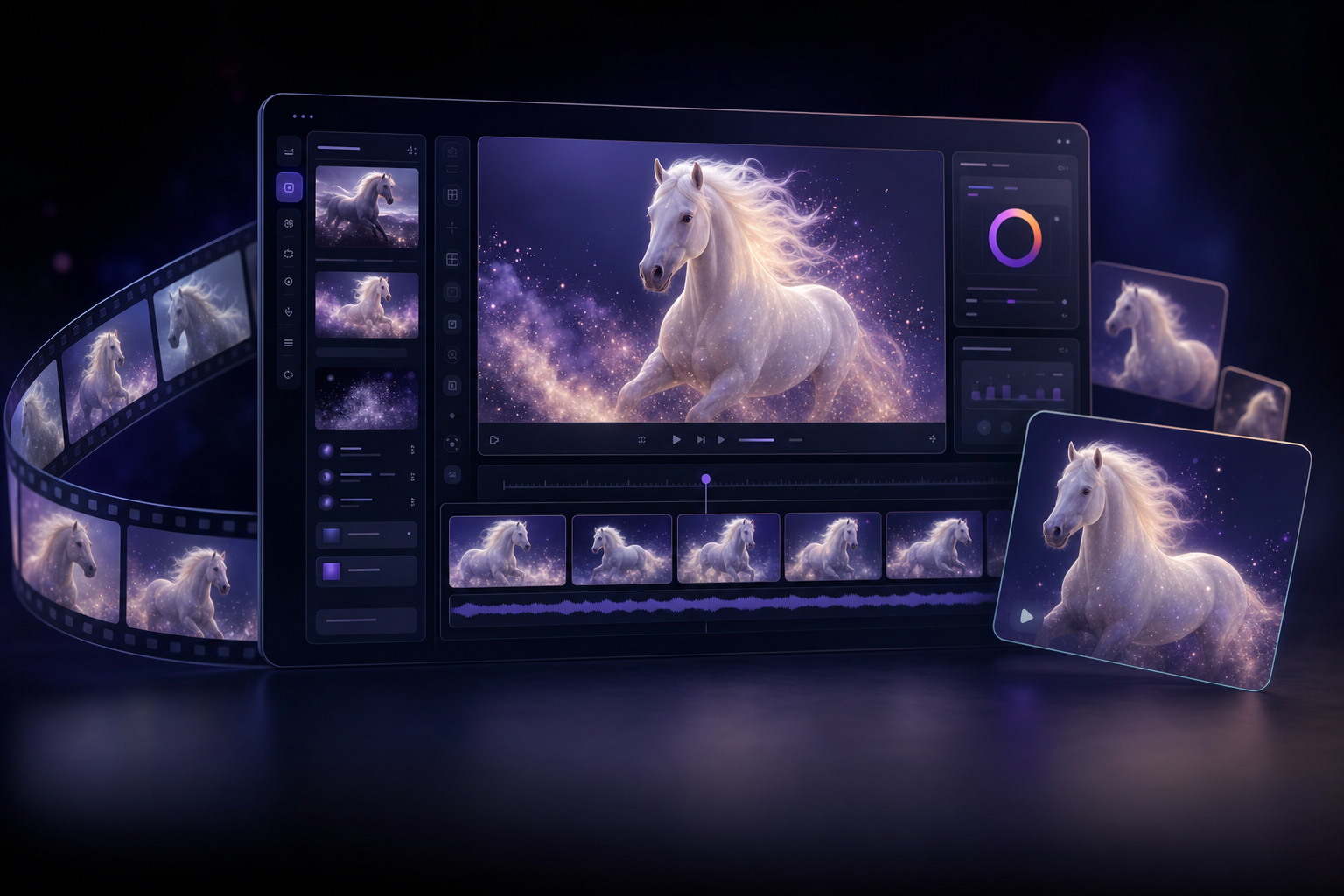
What Is HappyHorse 1.0?
HappyHorse 1.0 is Alibaba's flagship AI video generation model, and it's now live on Mobbi. According to the Artificial Analysis Video Arena — the most rigorous independent benchmark for AI video models — HappyHorse 1.0 ranks #1 for both text-to-video (1332 Elo) and image-to-video (1391 Elo). It outperforms Sora 2, Veo 3, Kling, and every other model on the leaderboard for realistic motion dynamics, fluid scene rendering, and visual coherence.
On Mobbi, HappyHorse 1.0 is available as a complete suite of four tools: text-to-video, image-to-video, reference-to-video (up to 9 reference images), and natural-language video editing. All four variants render at native 720P or 1080P with flexible 3-15 second durations — giving creators a single model that handles everything from short social clips to longer cinematic sequences without leaving the platform.
Why HappyHorse 1.0 Ranks #1 on Artificial Analysis
The Artificial Analysis Video Arena evaluates models through head-to-head human preference judgments across thousands of generation pairs. HappyHorse 1.0 wins these matchups because it gets the things humans notice right: motion looks like motion, not interpolation. Hair flows. Cloth drapes. Water splashes with weight. Subjects walk with proper gait and biomechanics instead of the floating, ghostly movement that gives away most AI video.
The model handles complex multi-element scenes that trip up other models. Hand a HappyHorse 1.0 a prompt with a horse-headed character, a striped sweater, and an instruction to swap the wardrobe — and it does it without losing the original motion. Other models drop elements, blur faces, or break the established physics. HappyHorse holds the scene together. For creators producing volume, this means dramatically fewer regenerations to land a usable shot.
The other reason it wins: native resolution. HappyHorse 1.0 generates 1080P directly without an upscaling step, so fine details — fabric weave, individual hair strands, water droplets, particle effects — render with real spatial information rather than reconstructed pixels. On large displays and in professional workflows, the difference is immediately obvious.
Text-to-Video: Cinematic Quality from a Prompt
HappyHorse 1.0 T2V on Mobbi turns text descriptions into 720P or 1080P video at 3-15 seconds in length. The model excels at scenes most generators struggle with: fluid-morph transformations, slow-motion physics, macro photography, dynamic lighting, and motion that respects gravity and momentum.
A prompt like "a hyper-realistic dew-covered orange sits on a marble pedestal — in a sudden fluid-morph effect, the skin softens and dissolves into swirling vibrant orange liquid that spirals upward, instantly solidifying into a sleek glass bottle of orange juice — cinematic slow-motion, macro 8K, vibrant splash physics, studio lighting" produces exactly what it describes. The morph reads as physically plausible. The splash dynamics behave like real liquid. The lighting carries through the transformation. This is the kind of high-production sequence that commercial editors traditionally piece together from multiple practical and CGI elements.
- Native 720P and 1080P output without upscaling
- Flexible duration from 3 to 15 seconds
- Aspect ratios: 16:9, 9:16, 1:1, 4:3, 3:4
- Optional native audio generation synced to motion
- #1 ranked T2V model on Artificial Analysis (1332 Elo)
Image-to-Video: Animate Any Still with Strict Image Consistency
HappyHorse 1.0 I2V holds the #1 spot on the Artificial Analysis image-to-video leaderboard with 1391 Elo. The reason is consistency. When you upload a reference image as the first frame and ask the model to animate it, the output preserves the source faithfully — the same face, the same wardrobe, the same lighting setup, the same color grade — instead of drifting into a generic AI-rendered version of "something similar." This matters for product photography, character work, and any brand application where the image must remain on-brand.
The animation itself reflects the same biomechanical realism that makes the T2V model strong. A still portrait subject blinks, breathes, and shifts weight naturally. A static product mockup gets life-like camera movement and subtle environmental motion (steam, reflections, condensation) that respects the original geometry. A landscape photo gains drifting clouds, water flow, and atmospheric haze without the source losing its identity.
Reference-to-Video: Up to 9 Reference Images in One Prompt
The HappyHorse 1.0 R2V variant takes up to 9 reference images and lets you call them out by name in your prompt — "Image 1," "Image 2," and so on. This unlocks a creative workflow that other models can't match: combine multiple characters, products, environments, and style references in a single generation.
A prompt like "a cool wedding dance scene between character1 and character2," paired with two character reference images, produces a coherent dance sequence where both characters maintain their identity throughout. Replace one of the references with a product, and you can place a real product into a scripted scene without traditional compositing. The R2V variant is particularly strong for music videos, branded narrative content, and storyboarding work where multiple specific subjects need to coexist in the same shot.
HappyHorse Video Edit: Natural-Language Edits That Preserve Motion
The Video Edit variant is the most distinctive tool in the HappyHorse suite. Upload an existing video, describe a change in plain language — "make the horse-headed character wear the striped sweater from the image" — and the model executes the edit while preserving the original motion dynamics. Frame-to-frame movement, timing, and rhythm stay intact. Only the targeted element changes.
This is fundamentally different from generating a new video that approximates the original. The Video Edit variant supports up to 5 reference images for guided edits and handles both local changes (a single object, character, or piece of clothing) and global changes (lighting, season, atmosphere, style). For editors working with brand-approved footage that needs minor adaptations across markets, or creators iterating on a hero shot, this collapses what was previously a multi-day rotoscoping job into a single prompt.
How to Use HappyHorse 1.0 on Mobbi
Getting started takes under a minute. Open the relevant tool on Mobbi — Text to Video, Image to Video, or Video Editor — and select HappyHorse 1.0 from the model dropdown. Write a detailed prompt, choose your duration (3-15s), pick 720P or 1080P, and generate. Results typically arrive in 1-2 minutes depending on duration and resolution.
For text-to-video, be specific about subject, action, camera move, and lighting. For image-to-video, upload your reference and describe the desired motion. For reference-to-video, upload up to 9 images and write a prompt that names them as "Image 1," "Image 2," etc. For video editing, upload the source footage and describe the targeted change in natural language.
- Open Text to Video, Image to Video, or Video Editor on Mobbi.ai
- Select HappyHorse 1.0 from the model dropdown
- Write a detailed prompt — specify subject, action, camera, lighting
- Choose duration (3-15s) and resolution (720P or 1080P)
- Generate — results in 1-2 minutes at 30+ credits per 3-second 720P generation
- For multi-subject scenes: switch to HappyHorse R2V and upload up to 9 references
- For editing existing video: switch to HappyHorse Video Edit and describe the change
HappyHorse 1.0 vs Other AI Video Models on Mobbi
Mobbi gives you access to every major AI video model on a single platform: Sora 2, Veo 3, Kling 3.0, Hailuo, Grok Imagine, Wan 2.6, Seedance 2.0, and now HappyHorse 1.0. Each has different strengths. Sora 2 leads on cinematic storytelling and longer narrative arcs. Veo 3 is strongest for synchronized dialogue. Kling 3.0 specializes in scene-based multi-shot generation. Wan 2.6 hits a sweet spot for fast iteration. Seedance 2.0 leads for native audio with multi-reference inputs.
HappyHorse 1.0 occupies a unique position: it's the highest-ranked model on the Artificial Analysis Video Arena for both text-to-video and image-to-video, and it's the only model on Mobbi that combines that benchmark-leading quality with native 1080P output, 9-reference R2V generation, and natural-language video editing in a single suite. For creators who need the highest visual fidelity per generation — and need to handle text, image, multi-reference, and edit workflows in one model — HappyHorse 1.0 is the new default.
Frequently Asked Questions About HappyHorse 1.0
What is HappyHorse 1.0? HappyHorse 1.0 is an AI video generation model developed by Alibaba (DashScope). It supports text-to-video, image-to-video, reference-to-video with up to 9 references, and natural-language video editing. It's ranked #1 on the Artificial Analysis Video Arena for both T2V and I2V.
How much does HappyHorse 1.0 cost on Mobbi? HappyHorse 1.0 starts at 30 credits for a 3-second 720P generation and scales linearly with duration (50 credits for 5s, 100 credits for 10s, 150 credits for 15s). 1080P costs roughly 2x. Mobbi offers free daily credits with Pro plans for additional volume.
What's the difference between HappyHorse T2V, I2V, R2V, and Video Edit? T2V generates from text only. I2V animates a reference image as the first frame. R2V combines up to 9 reference images into a single video using "Image 1," "Image 2" syntax in your prompt. Video Edit takes an existing video and applies natural-language changes while preserving the original motion.
Does HappyHorse 1.0 generate audio? Yes. The text-to-video variant supports native audio generation alongside the video — synchronized ambient sound, effects, and atmosphere — so most clips don't need a separate audio pass.
What resolutions does HappyHorse 1.0 support? Native 720P and 1080P, both rendered directly by the model without an upscaling step. Available aspect ratios are 16:9, 9:16, 1:1, 4:3, and 3:4 (R2V also supports additional ratios).
How does HappyHorse 1.0 compare to Sora 2 and Kling 3.0? On the Artificial Analysis benchmark — independent human preference voting — HappyHorse 1.0 ranks above both for T2V and I2V realism. Sora 2 and Kling 3.0 remain strong for specific use cases (long cinematic arcs, scene-based multi-shot generation), but for raw quality per generation, HappyHorse currently leads.
Considerações finais
HappyHorse 1.0 brings the top-ranked model on the Artificial Analysis Video Arena to Mobbi, with all four variants — text-to-video, image-to-video, 9-reference video, and natural-language video editing — available immediately. Native 1080P output, realistic motion dynamics, and strict image consistency combine to produce video that doesn't just generate; it holds together as if it were filmed.
HappyHorse 1.0 is live now on Mobbi.ai with free daily credits. Whether you're creating cinematic short-form content, animating product photography, building multi-character scenes, or editing existing footage with prompts instead of timelines — HappyHorse delivers benchmark-leading results without leaving the platform.
Trabalhe com a Mobbi.ai
Experimente o HappyHorse 1.0 grátis no Mobbi.ai — o modelo de vídeo com IA #1 no Artificial Analysis. 1080P nativo, clipes de 3-15 segundos, quatro variantes, sem GPU.
Explorar a plataforma Mobbi.ai